Upload original
Add your original ECU file securely.

Tuning files · 24/7 Fileservice Solutions · ECU editor
Register free, upload an original file and automatically find compatible tuning Solutions 24/7. You do not need a Suite plan: with Free access you only pay credits for Solutions you apply. Standard and Pro additionally unlock the professional ECU editor and Expert tools.
655,000+
automatic Solutions
...
Solutions successfully applied by customers
Upload an original file, automatically check matching Solutions and apply them directly.
24/7 Solutions without a monthly plan
Free account · pay only for Solutions
Standard and Pro are optional Expert upgrades
Try every feature for 7 days · Free remains active afterwards

Free Solution Check
Upload an original ECU file and see which tuning Solutions are currently available in our library.
The file is checked temporarily in memory, is not stored as a project and is discarded after the request.
The extended library search can take up to 3 minutes.
One free account, two ways to use it
Start with Free access. No subscription is required to upload original files, find compatible Solutions and purchase only what you need.
Add your original ECU file securely.
The Suite searches more than 655,000 Solutions.
Pay per Solution or use an active package.
Ideal for occasional jobs and customers who want to stay flexible.
Included uses or unlimited access for a fixed period, depending on the package.
Tools for everyday calibration work
ECU-Jobs Suite combines automatic detection for supported control units, a growing mappack library and a browser-based calibration editor. Detection coverage and features are continuously expanded.
Supported ECU families and maps are checked automatically during import.
Matching definitions from a shared library complement automatic detection.
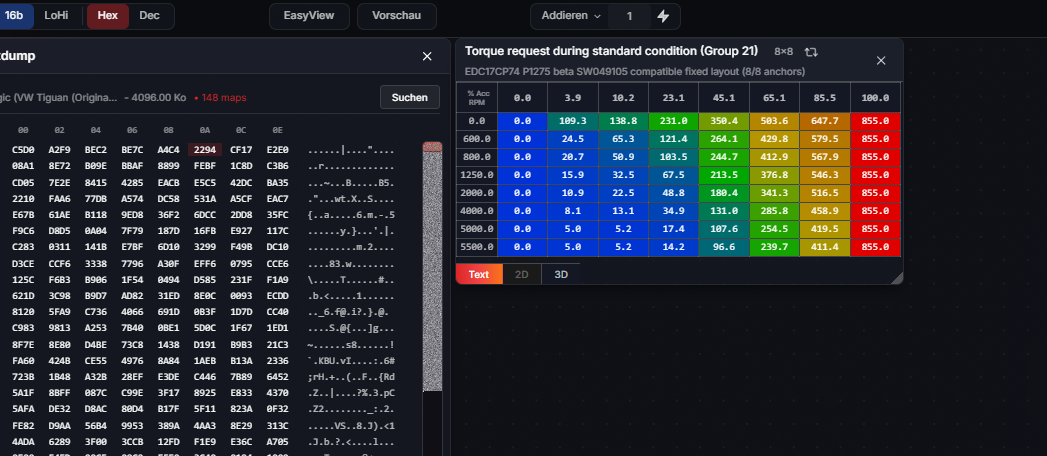
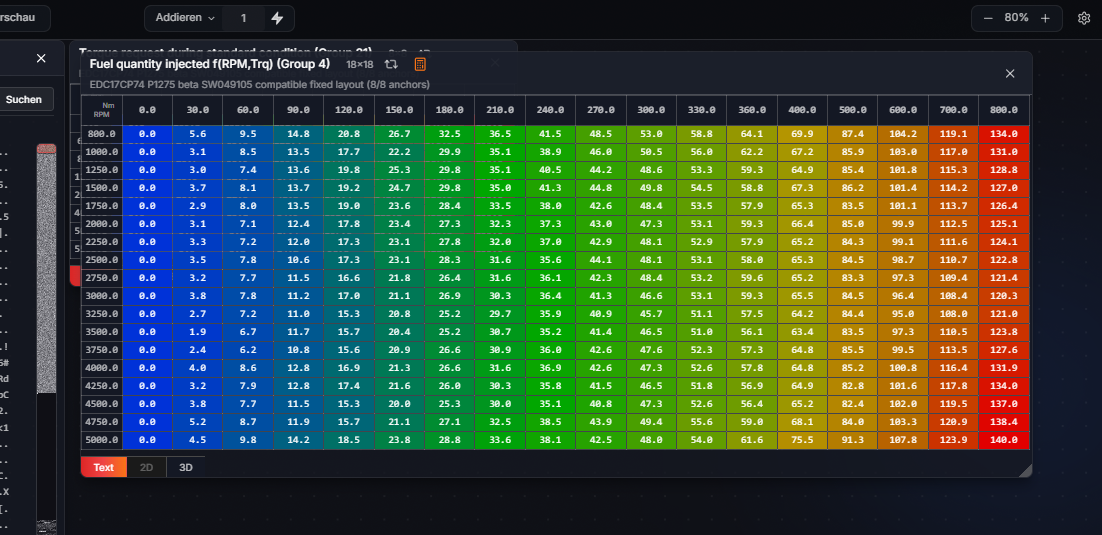
Inspect and edit maps and axes in table, 2D and 3D views.
Display changes against the original as values, deltas or percentages.
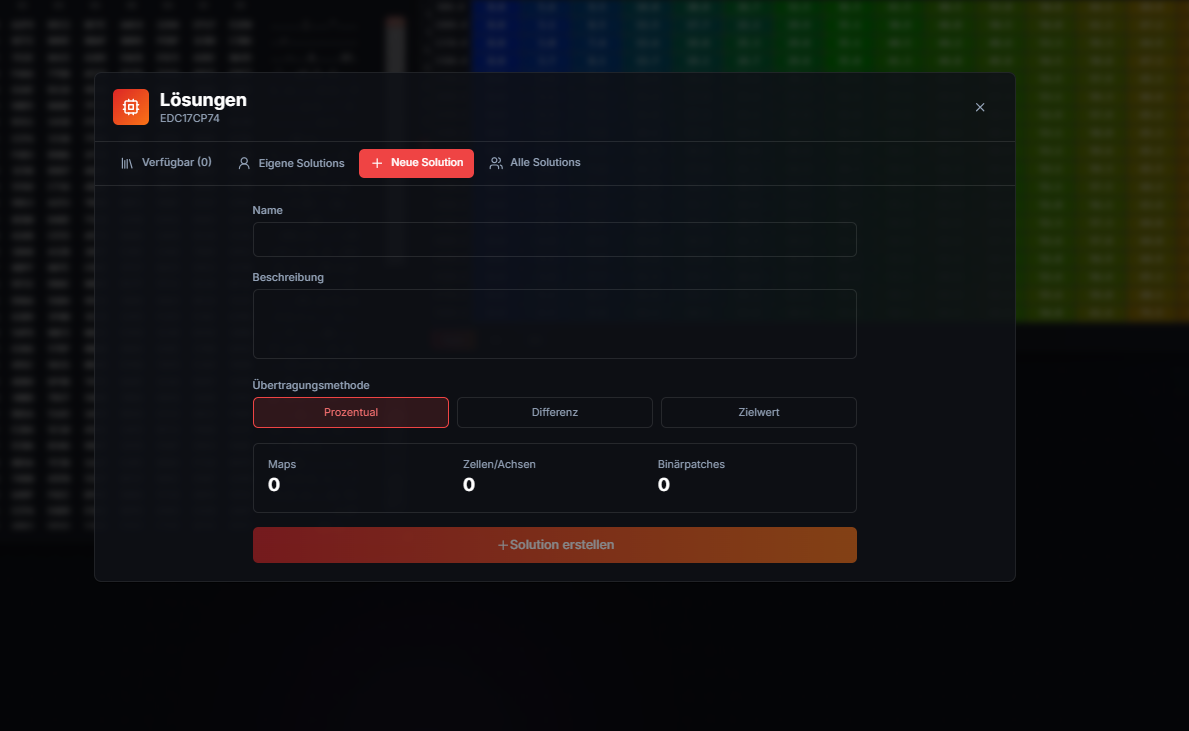
Create reusable changes and apply them to verified compatible files.
Keep originals, modified versions and vehicle data together in one project.
7-day free trial
Your account remains useful after the free trial. Choose automatic Solutions when you need them, or activate a Suite plan for the complete calibration workspace.
Upload original files, find compatible Solutions around the clock and pay only for the Solutions you apply.
Unlock the full browser-based calibration workspace for individual ECU work.
The first 7 days include both the Solution Portal and Expert mode. After the trial, only Expert mode is locked until a plan is activated.
Calibration editor
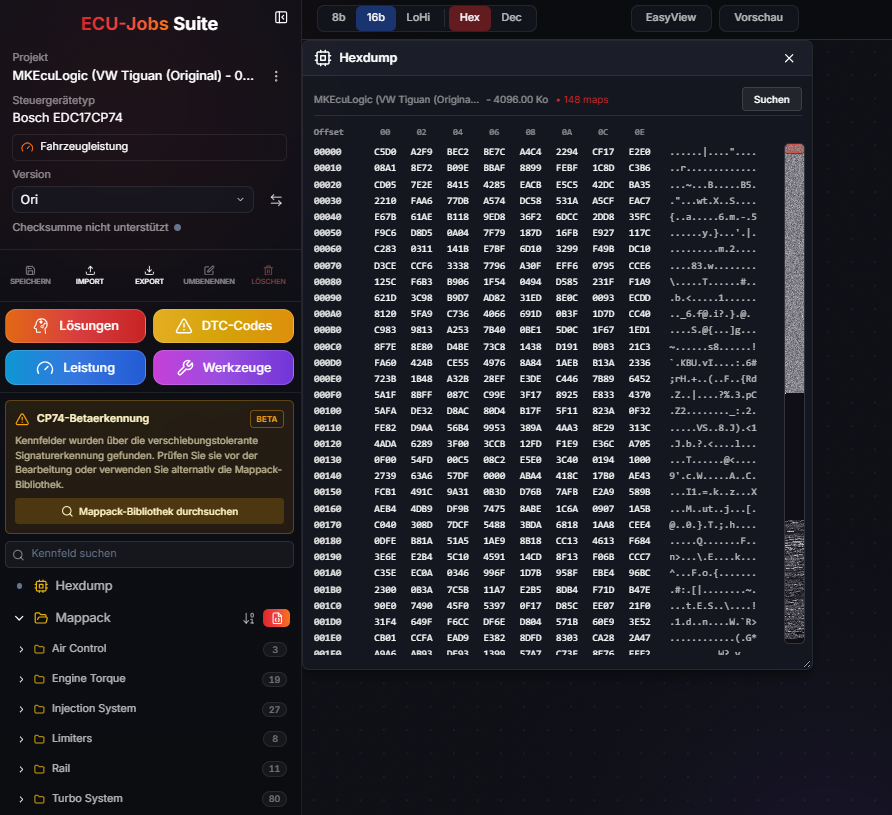
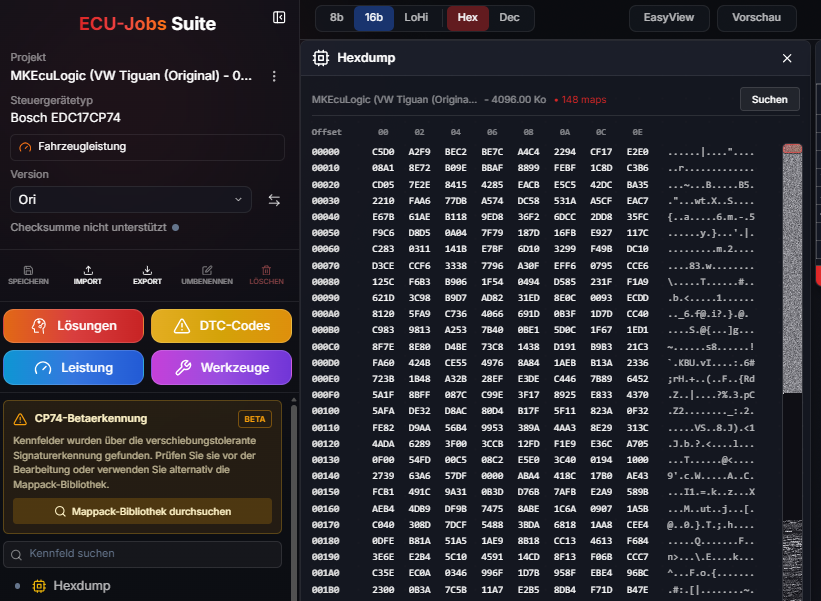
Open detected or imported maps next to the hexdump. Values, axes and differences from the original remain available in one workspace.
Expert Review
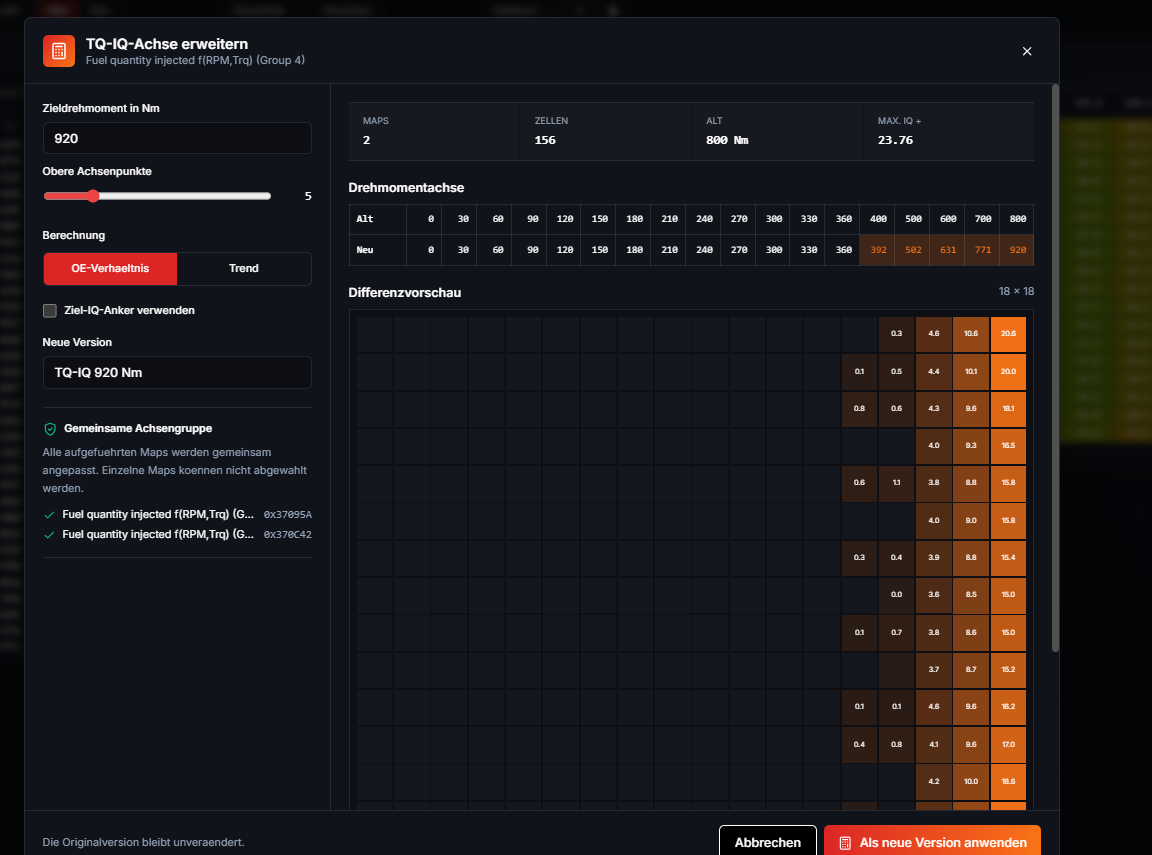
The Expert workspace brings changed maps, axes and binary areas together in one technical review. It highlights plausibility notices, shared axes, overlapping regions and map quality without pretending that an informational checksum status replaces verification by the flashing tool.
Checksum information remains a notice. Final checksum handling and vehicle-specific validation must be performed with suitable professional tools.
See modified bytes, maps, cells, axes and their address ranges in one place.
Review unusual values, large changes, axis order and technical conflicts before export.
Identify shared axes, overlapping data areas and related maps that should be checked together.
Compare project versions and reopen relevant map groups through reusable workflows.
Workflow
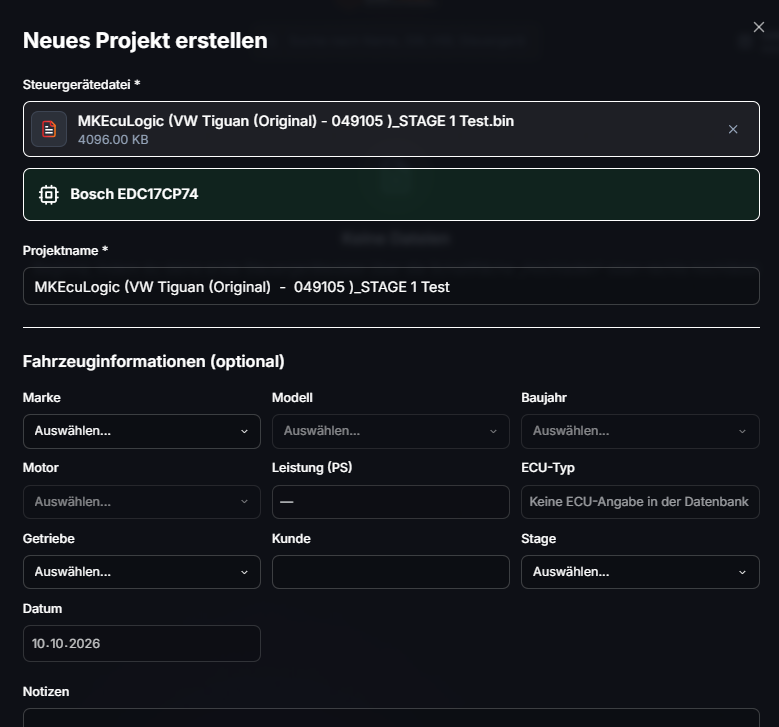
Upload a binary and review detected ECU and vehicle data.
Use automatic detection, the library or your own definitions.
Review changes, save a new version and export it.
Reusable solutions
Personal Solutions can include map, axis and compatible binary changes. The Suite verifies compatibility against the original before applying them. Matching OLS scripts can also be provided as Solutions.
One account for the complete Suite
Free access stays active permanently: tuning files and Fileservice Solutions 24/7 can be purchased individually. Expert access and Solution flats can be booked independently.
1 Credit equals 1 EUR.
0 credits / unlimited
Permanent access to the 24/7 Solution and Fileservice portal.
10 Credits / 30 days
File editor and Expert features for 30 days
Global Solutions are charged individually at their credit price.
1.0 GB project storage
File editor and Expert features included
100 Credits / 365 days
File editor and Expert features for 365 days
Global Solutions are charged individually at their credit price.
1.0 GB project storage
File editor and Expert features included
100 Credits / 30 days
Unlimited Solution use for 30 days without Expert mode
Unlimited global Solution applications included
5.0 GB project storage
Booked separately, without Expert mode
1000-40%600 Credits / 365 days
Unlimited Solution use for 365 days without Expert mode
Unlimited global Solution applications included
5.0 GB project storage
Booked separately, without Expert mode
7-day free trial
Create your personal account and billing profile. Your free trial starts after email confirmation.
Register free first. Expert access and Solution flats can be booked independently with credits later.
ECU-Jobs Support
Create your personal account and billing profile. Your free trial starts after email confirmation.
No. Free access remains available permanently. Upload original ECU files, find compatible Solutions 24/7 and pay only for the Solutions you apply. Standard and Pro are optional upgrades for the ECU editor, Expert tools, more storage and included Solution uses.
No. The Suite currently supports selected ECU families and maps. Detection and the library are continuously expanded.
No. ECU-Jobs Suite runs in the browser and requires an activated account and internet connection.
Yes. Supported map definitions can be imported, and personal changes can be saved as reusable Solutions.
Yes. Edits are stored as separate project versions, keeping the original available as a reference.